
 我要评论
我要评论一、使用 spring boot 连接 redis 单机
1.创建spring boot 项目

2.勾选相关依赖(dependencies)
- nosql 中的 spring data redis
- 把 web 中的 spring web 也勾选⼀下.
- 方便写接口进行后续测试.


3.界面显示

二、配置 redis 服务地址
1.在 application.yml 中配置
spring:
  data:
    redis:
      host: 127.0.0.1 # 地址
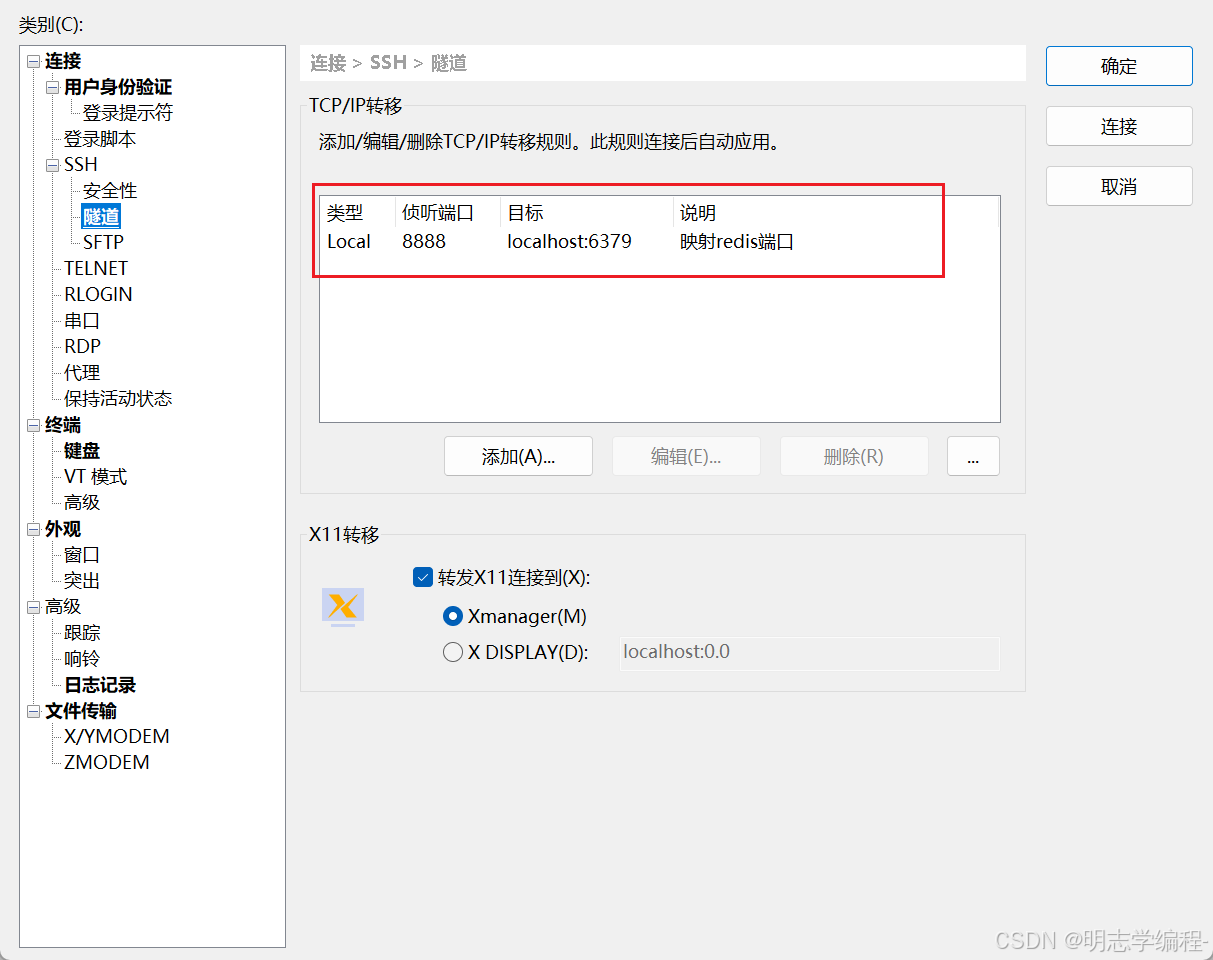
      port: 8888 # 映射的端口号
补充:
spring boot 1.x 和 spring boot 2.x 中,spring.redis.host 用于配置 redis 连接属性。
spring boot 3.x 中,spring.redis.host 已经弃用。
从 spring boot 2.x 开始,引入了 spring.data.redis 作为配置 redis 连接的方式,并且在 spring boot 3.x 中也可以使用 spring.data.redis 进行配置。
2.映射端口号
用shell8 进行配置,需要一个公网ip
三、创建 controller 类
1.创建一个 mycontroller
由于当前只是写简单的测试代码, 我们就不进⾏分层了. 就只创建个简单的 controller 即可.

@restcontroller
public class mycontroller {
 @autowired
 private stringredistemplate redistemplate;
}
stringredistemplate 用来处理文本数据的
继承于redistemplate
redistemplate 可以处理文本数据也可以处理二进制数据

2.使用 string
@getmapping("/teststring")
@responsebody
public string teststring() {
    //先清除之前的数据库
    redistemplate.execute((redisconnection connection) -> {
        connection.flushall();
        return null;
    });
    //对原生 redis 又做了进一步封装
    redistemplate.opsforvalue().set("key", "111");
    redistemplate.opsforvalue().set("key2", "222");
    redistemplate.opsforvalue().set("key3", "333");
    string value = redistemplate.opsforvalue().get("key");
    system.out.println("value:" + value);
    return "ok";
}- 该代码片段是一个 spring boot 控制器方法,通过 redistemplate 与 redis 进行交互,并进行一些基本的操作
redistemplate.execute((redisconnection connection) -> { ... }):这行代码调用了 redistemplate的execute方法,执行一个redis操作。具体来说,connection.flushall()会清空 redis 中的所有数据(即调用flushall命令)。execute方法通过lambda表达式传递了一个redis连接对象,用来执行redis命令。执行完flushall后,redis中的所有数据会被删除。redistemplate.opsforvalue()相当于对命令进行进一步的封装,用它可以调用相关方法。
客户端发送请求(返回ok)表明已经成功

打印日志

3.使用 list
@getmapping("/testlist")
@responsebody
public string testlist() {
    //先清除之前的数据库
    redistemplate.execute((redisconnection connection) -> {
        connection.flushall();
        return null;
    });
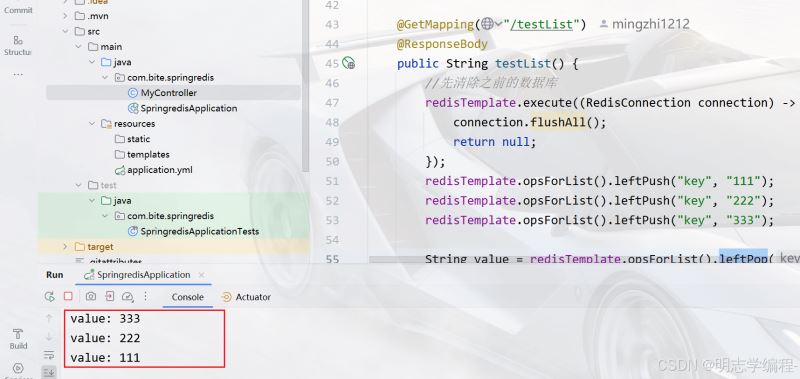
    redistemplate.opsforlist().leftpush("key", "111");
    redistemplate.opsforlist().leftpush("key", "222");
    redistemplate.opsforlist().leftpush("key", "333");
    string value = redistemplate.opsforlist().leftpop("key");
    system.out.println("value: " + value);
    value = redistemplate.opsforlist().leftpop("key");
    system.out.println("value: " + value);
    value = redistemplate.opsforlist().leftpop("key");
    system.out.println("value: " + value);
    return "ok";
}
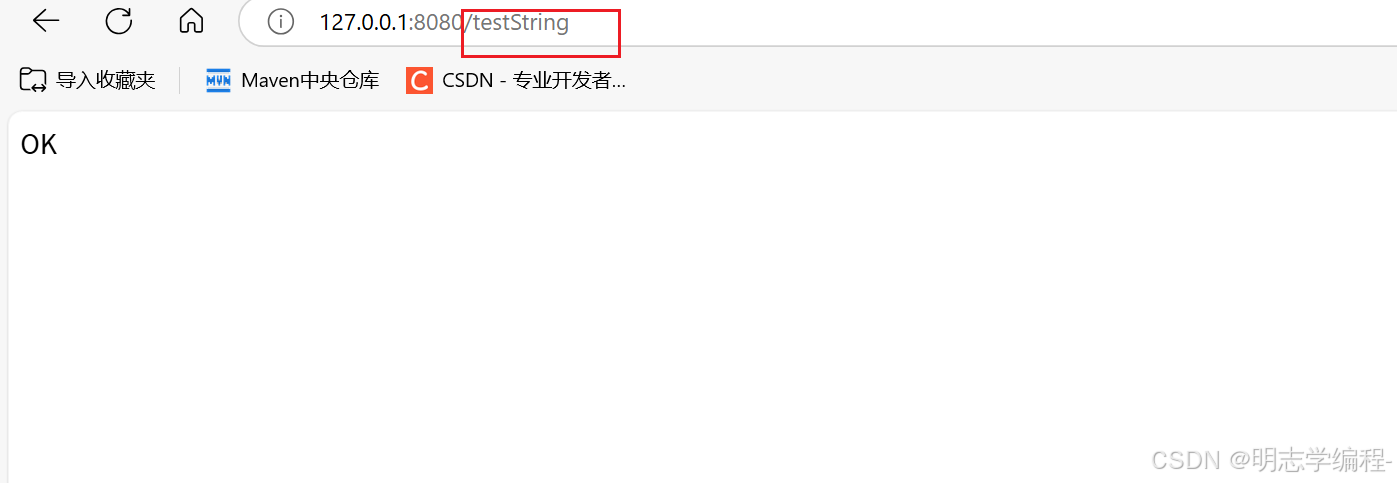
客户端发送请求(返回ok)表明已经成功
打印日志
4.使用 set
@getmapping("/testset")
@responsebody
public string testset() {
    //先清除之前的数据库
    redistemplate.execute((redisconnection connection) -> {
        connection.flushall();
        return null;
    });
    redistemplate.opsforset().add("key", "111", "222", "333");
    set<string> result = redistemplate.opsforset().members("key");
    system.out.println("result: " + result);
    boolean exists = redistemplate.opsforset().ismember("key", "111");
    system.out.println("existe: " + exists);
    long count = redistemplate.opsforset().size("key");
    system.out.println("count: " + count);
    redistemplate.opsforset().remove("key", "111", "222");
    result = redistemplate.opsforset().members("key");
    system.out.println("result: " + result);
    return "ok";
}
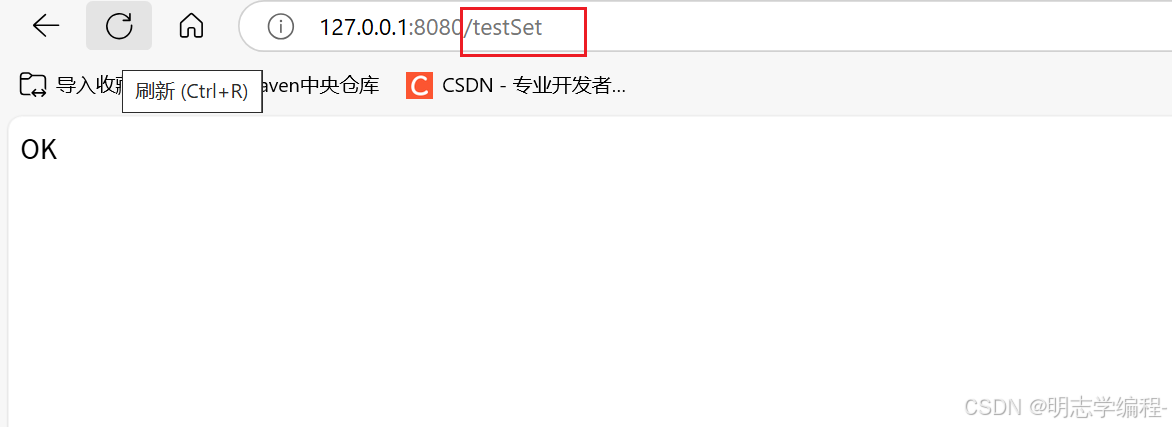
客户端发送请求(返回ok)表明已经成功

打印日志

5.使用 hash
@getmapping("/testhash")
@responsebody
public string testhash() {
    //先清除之前的数据库
    redistemplate.execute((redisconnection connection) -> {
        connection.flushall();
        return null;
    });
    redistemplate.opsforhash().put("key", "f1", "111");
    map<string, string> map = new hashmap<>();
    map.put("f2", "222");
    map.put("f3", "333");
    redistemplate.opsforhash().putall("key", map);
    string value = (string) redistemplate.opsforhash().get("key", "f1");
    system.out.println("value: " + value);
    boolean exists = redistemplate.opsforhash().haskey("key", "f1");
    system.out.println("exists: " + exists);
    redistemplate.opsforhash().delete("key", "f1", "f2");
    long len = redistemplate.opsforhash().size("key");
    system.out.println("len: " + len);
    return "ok";
}
客户端发送请求(返回ok)表明已经成功

打印日志

6.使用 zset
@getmapping("/testzset")
@responsebody
public string testzset() {
    //先清除之前的数据库
    redistemplate.execute((redisconnection connection) -> {
        connection.flushall();
        return null;
    });
    redistemplate.opsforzset().add("key", "zhangsan", 10);
    redistemplate.opsforzset().add("key", "lisi", 20);
    redistemplate.opsforzset().add("key", "wangwu", 30);
    set<string> members = redistemplate.opsforzset().range("key", 0, -1);
    system.out.println("members: " + members);
    set<zsetoperations.typedtuple<string>> memberswithscores = redistemplate.opsforzset().rangewithscores("key", 0, -1);
    system.out.println("memberswithscores: " + memberswithscores);
    double score = redistemplate.opsforzset().score("key", "zhangsan");
    system.out.println("score: " + score);
    redistemplate.opsforzset().remove("key", "zhangsan");
    long size = redistemplate.opsforzset().size("key");
    system.out.println("size: " + size);
    long rank = redistemplate.opsforzset().rank("key", "lisi");
    system.out.println("rank: " + rank);
    return "ok";
 }
客户端发送请求(返回ok)表明已经成功
打印日志

四、小结
- 对于
jedis来说, 各个方法和redis的命令基本是一致的. - 而集成到
spring boot之后, 接口上和原始redis命令存在部分差别, 但是使用起来也并不困难, 只要大家熟悉redis的基本操作, 还是很容易可以通过方法名字理解用法的.
到此这篇关于redis java 集成到 spring boot的文章就介绍到这了,更多相关redis java 集成到 spring boot内容请搜索代码网以前的文章或继续浏览下面的相关文章希望大家以后多多支持代码网!




发表评论