
 我要评论
我要评论介绍
- 数据存储在用户浏览器中,其实是保存在硬盘中
- 页面刷新不丢失数据
- sessionstorage和localstorage约 5m 左右
localstorage :
- 使用localstorage 可以将数据永久存储在本地电脑中, 除非手动删除,否则关闭页面也会存在。
- 可以多窗口(页面)共享(同一浏览器可以共享)
- 以键值对的形式存储使用
存储数据到localstorage
语法
localstorage.setitem(key, value)
示例
<!doctype html>
<html lang="en">

<head>
  <meta charset="utf-8">
  <meta name="viewport" content="width=device-width, initial-scale=1.0">
  <title>document</title>
</head>

<body>
  <script>
    // 要存储一个名字
    localstorage.setitem('uname', 'tom')
  </script>
</body>

</html>
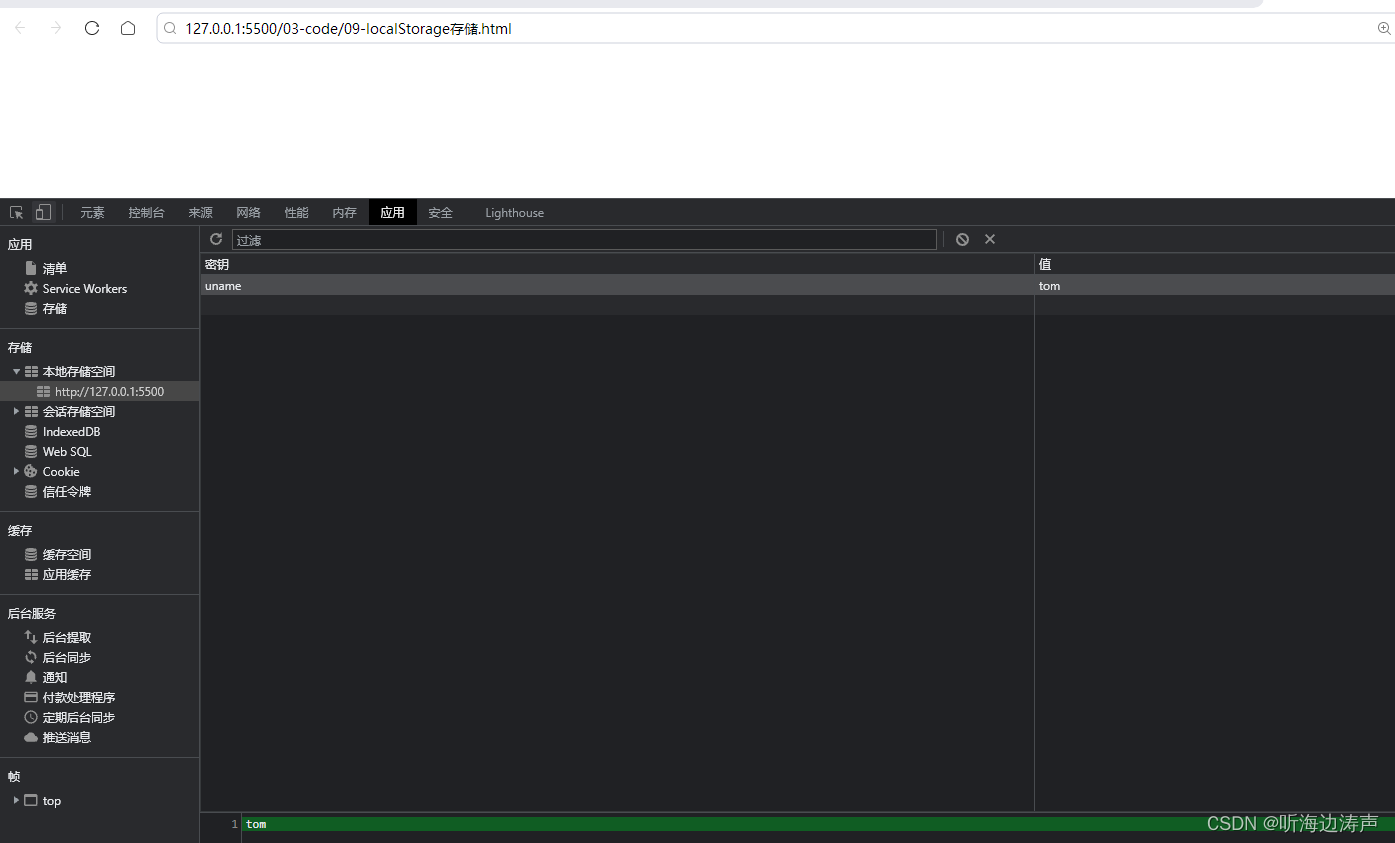
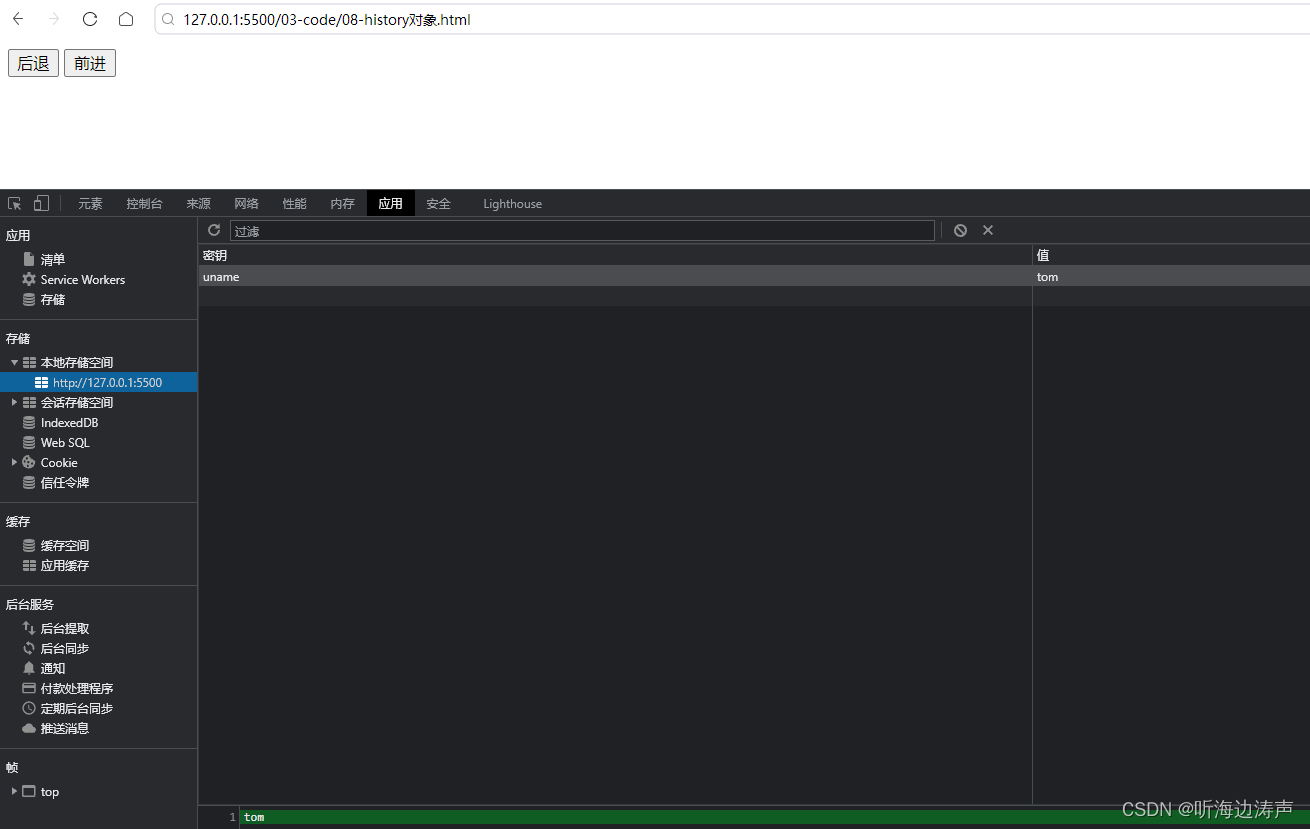
打开另外一个页面,localstorage保存的信息照样存在:
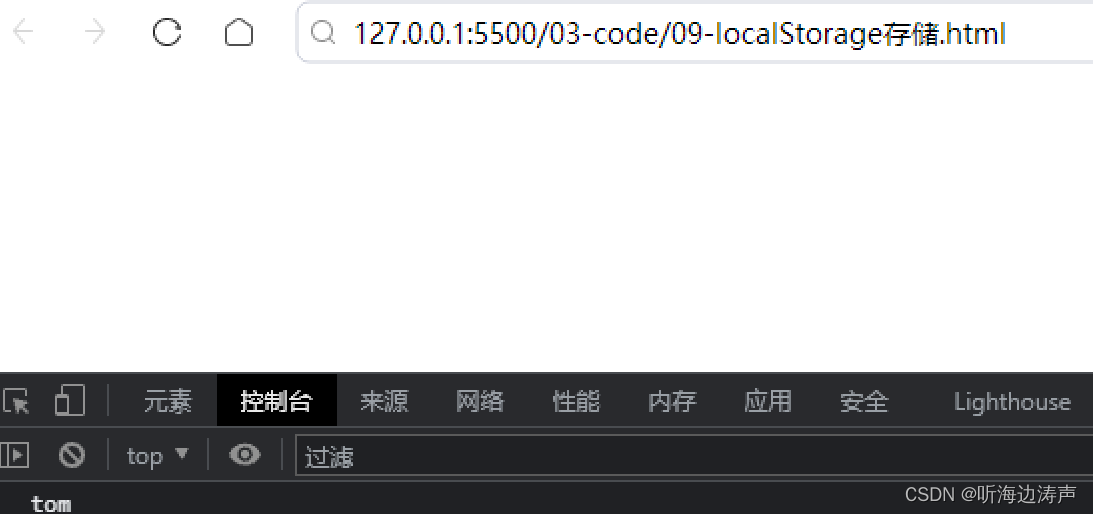
获取localstorage的数据
语法
localstorage.getitem(key)
示例
<!doctype html>
<html lang="en">

<head>
  <meta charset="utf-8">
  <meta name="viewport" content="width=device-width, initial-scale=1.0">
  <title>document</title>
</head>

<body>
  <script>
    // 要存储一个名字
    localstorage.setitem('uname', 'tom')
    // 获取本地存储
    console.log(localstorage.getitem('uname'))
  </script>
</body>

</html>
删除localstorage的数据
语法
localstorage.removeitem(key)
示例
<!doctype html>
<html lang="en">

<head>
  <meta charset="utf-8">
  <meta name="viewport" content="width=device-width, initial-scale=1.0">
  <title>document</title>
</head>

<body>
  <script>
    // 要存储一个名字
    localstorage.setitem('uname', 'tom')
    // 获取本地存储
    // console.log(localstorage.getitem('uname'))
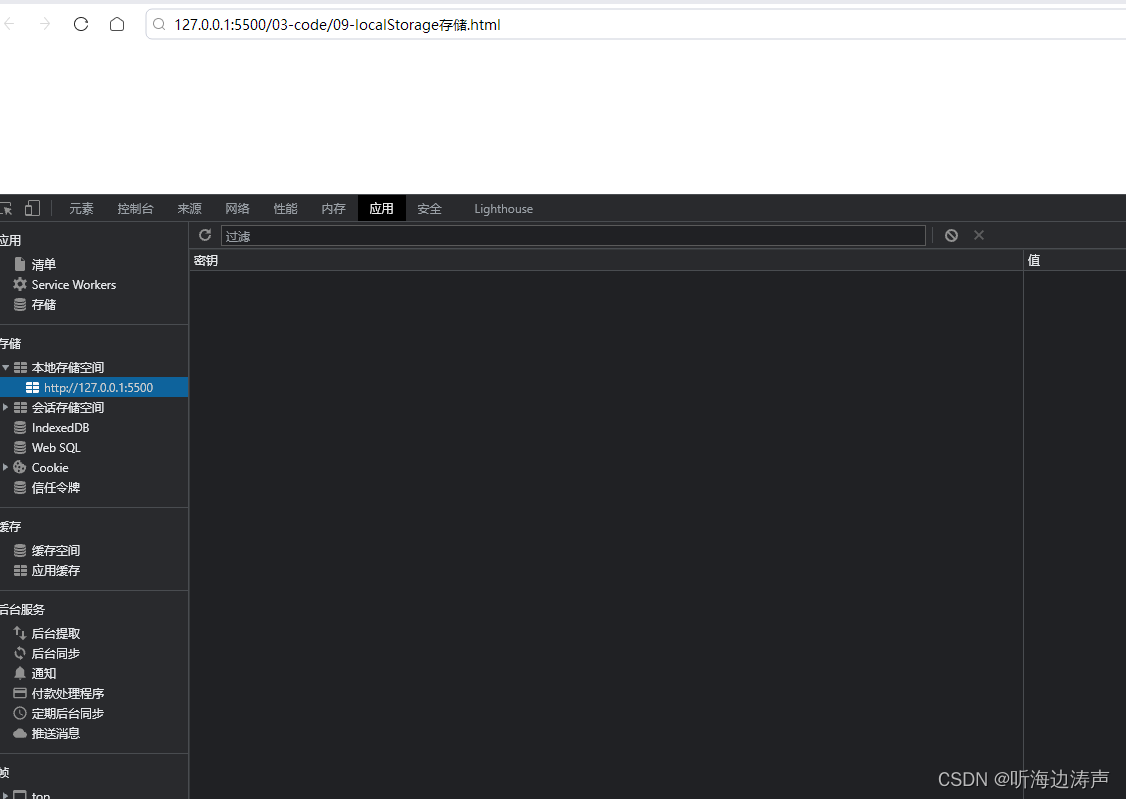
    localstorage.removeitem('uname')
  </script>
</body>

</html>
数据已经删除
修改localstorage的数据
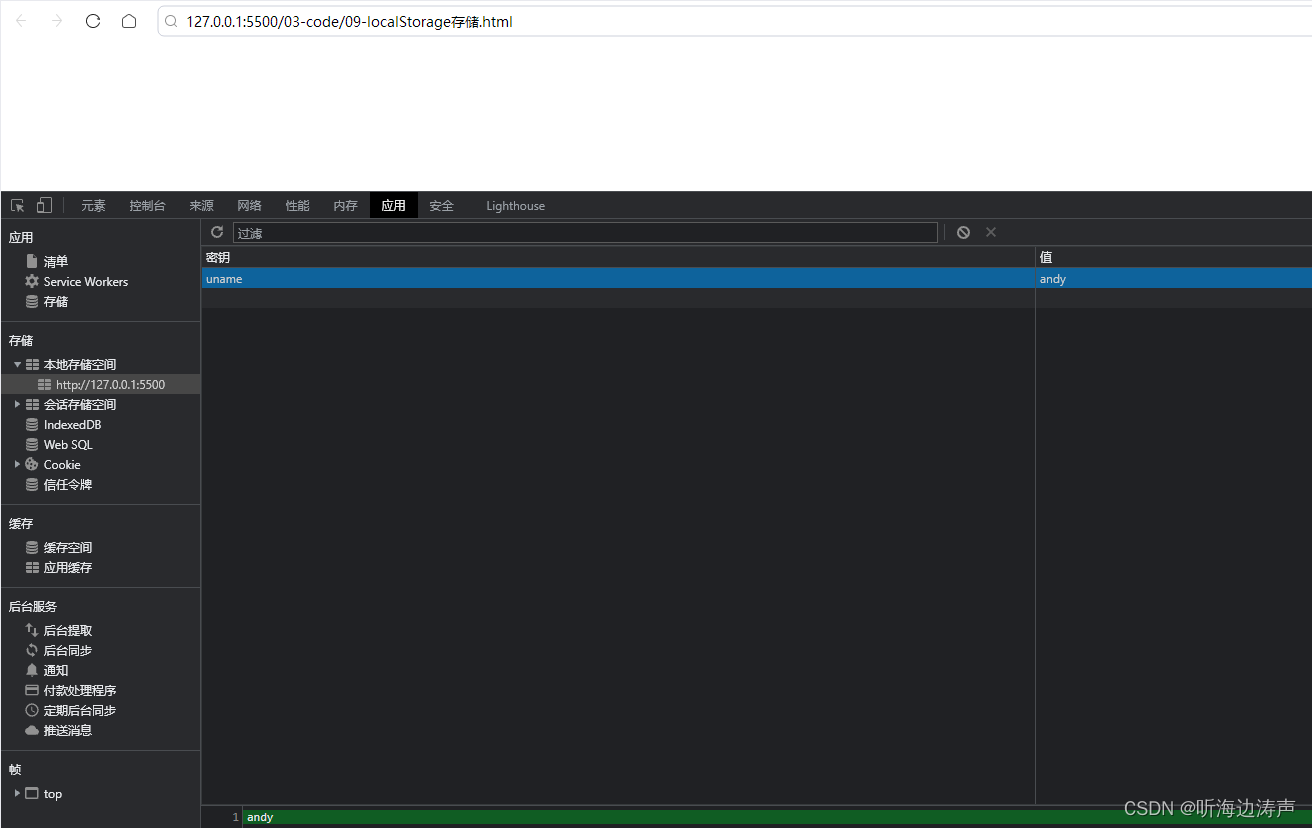
修改localstorage的数据和localstorage新增数据的语法一样。执行localstorage.setitem(key, value)的时候,如果这个key已经存在,就是修改;如果这个key不存在,就是新增。
示例:
<!doctype html>
<html lang="en">

<head>
  <meta charset="utf-8">
  <meta name="viewport" content="width=device-width, initial-scale=1.0">
  <title>document</title>
</head>

<body>
  <script>
    // 要存储一个名字
    localstorage.setitem('uname', 'tom')
    // 获取本地存储
    // console.log(localstorage.getitem('uname'))
    // localstorage.removeitem('uname')
    // 修改数据
    localstorage.setitem('uname', 'andy')
  </script>
</body>

</html>
本地存储只能存储字符串
示例:
<!doctype html>
<html lang="en">

<head>
  <meta charset="utf-8">
  <meta name="viewport" content="width=device-width, initial-scale=1.0">
  <title>document</title>
</head>

<body>
  <script>
    // 保存年龄
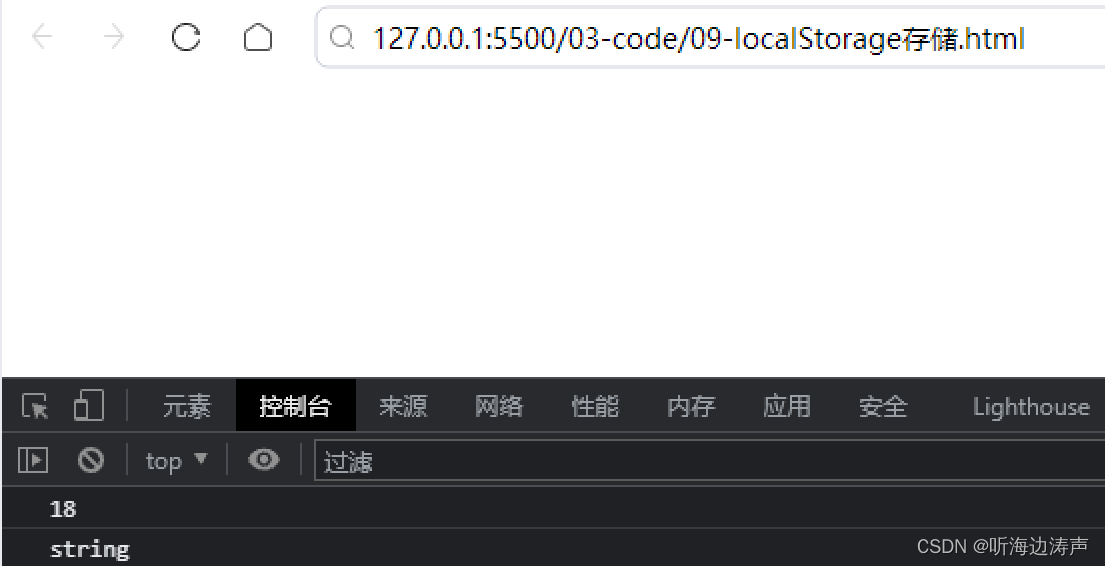
    localstorage.setitem('age', 18)
    console.log(localstorage.getitem('age'))
    // 本地存储的是字符串类型
    console.log(typeof localstorage.getitem('age'))
  </script>
</body>

</html>
这个18是字符串类型:
总结
到此这篇关于javascript本地存储localstorage的文章就介绍到这了,更多相关javascript本地存储localstorage内容请搜索代码网以前的文章或继续浏览下面的相关文章希望大家以后多多支持代码网!






发表评论