
 我要评论
我要评论什么是dialog?
对话框实际上是我们应用程序经常用到的一个功能, 类如: show、showdialog。
可以弹出一个我们指定的窗口, 仅此而已, 那么在prism当中, dialog指的是什么?
prism提供了一组对话服务, 封装了常用的对话框组件的功能, 例如:
- registerdialog/idialogservice (注册对话及使用对话)
- 打开对话框传递参数/关闭对话框返回参数
- 回调通知对话结果
创建dialog流程

- 创建对话框,通常是一组用户控件 ,并且实现 idialogaware
public interface idialogaware
{
string title { get; }
event action<idialogresult> requestclose;
bool canclosedialog();
void ondialogclosed();
void ondialogopened(idialogparameters parameters);
}- 注册对话框 registerdialog
        protected override void registertypes(icontainerregistry containerregistry)
        {
            //仅注册视图
            containerregistry.registerdialog<messagedialog>();

            //注册视图时绑定vm
            containerregistry.registerdialog<messagedialog, messagedialogviewmodel>();

            //添加别名
            containerregistry.registerdialog<messagedialog>("dialogname");
}- 使用idialogservice接口 show/showdialog 方法调用对话框

        private readonly idialogservice dialogservice;

        private void showdialog()
        {
            dialogparameters keys = new dialogparameters();
            keys.add("message", "hello,prism!");

            dialogservice.showdialog("messagedialog", keys, arg =>
            {

            });
        }
调用show/showdialog,我们通过注册时候的名称进行打开, 并且可以传递参数, 以及回调方法(主要用于返回对话框的返回结果)
封装dialog api
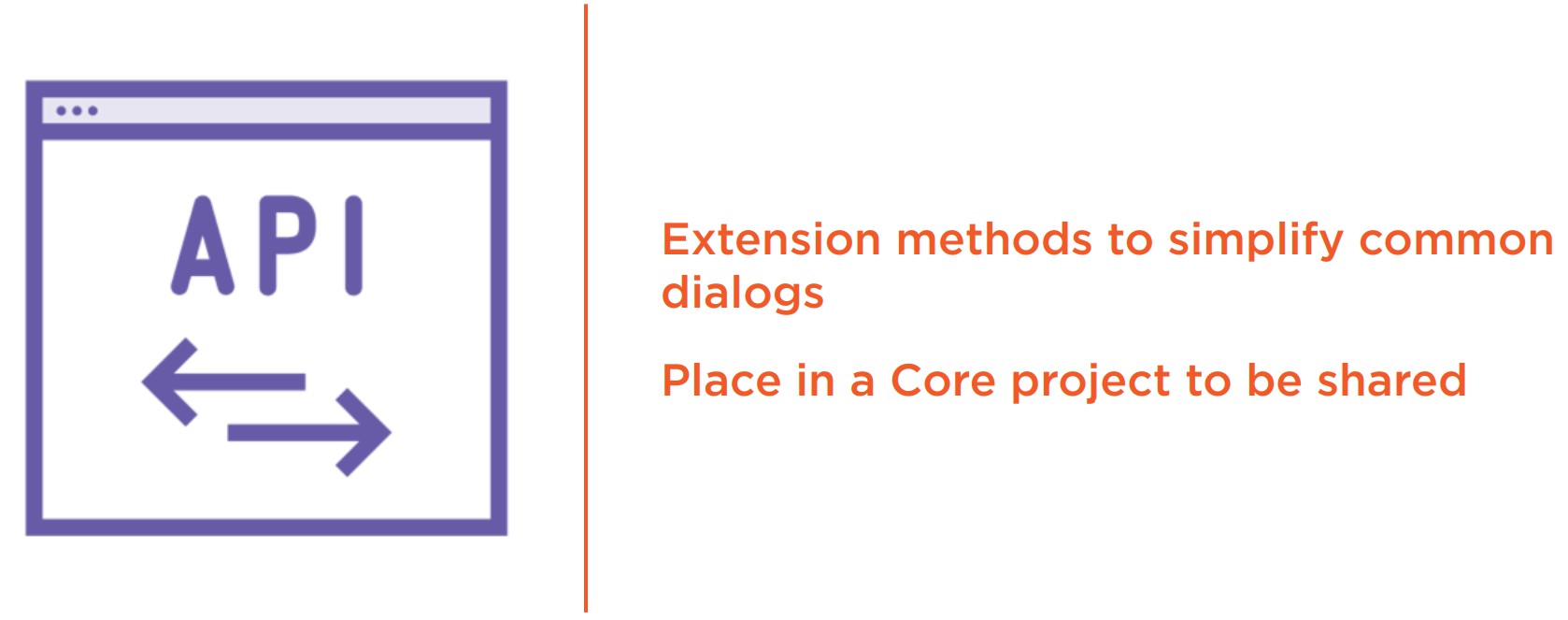
对于对话框而言, 通常我们需要做的只是打开, 传递参数, 接收到指定的返回结果,仅此而已。
对于常用的公共对话框, 我们可以封装成扩展方法, 以便于我们在应用程序的任何位置可以使用到它, 所以, 通常我们可以考虑以下做法:
public static void shownotification(this idialogservice dialogservice,
string message, action<idialogresult> callback)
{
var p = new dialogparameters();
p.add("message", message);
dialogservice.showdialog(“notificationdialog", p, callback);
}
到此这篇关于wpf框架prism中对话框dialog用法介绍的文章就介绍到这了。希望对大家的学习有所帮助,也希望大家多多支持代码网。

发表评论