
 我要评论
我要评论将mvimport内所有文件拷贝至工作目录
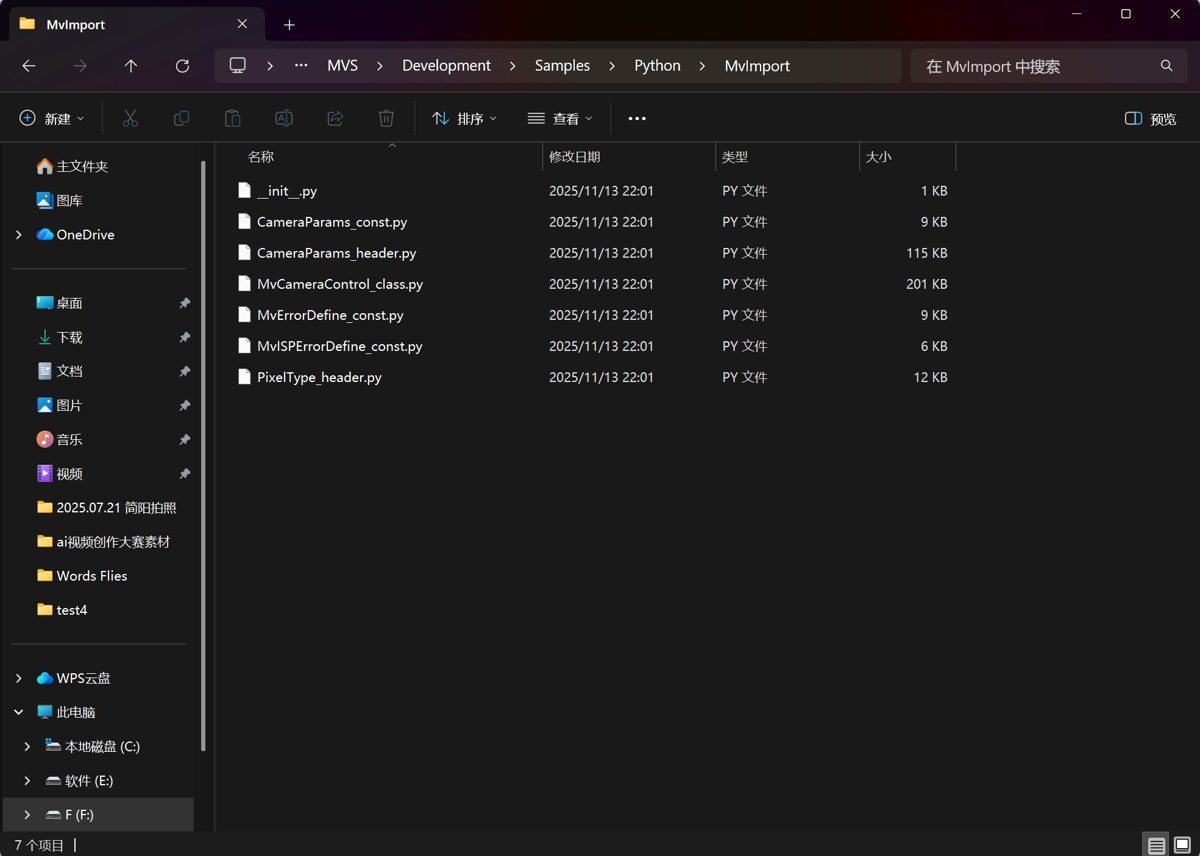
项目结构
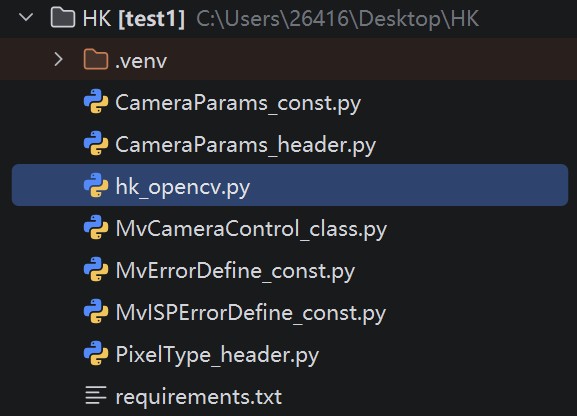
requirements.txt
# 基础科学计算库
numpy>=1.24.0
# 计算机视觉
opencv-python>=4.8.0
hk_opencv.py
import cv2
import numpy as np
from mvcameracontrol_class import *
from cameraparams_header import *
# cameranumber = 1为黑白相机,cameranumber = 3为彩色相机
cameranumber = 1
#-------------------opencv操作部分--------------------------------------
def opencv_action(img):
    result_img = img
    return result_img
#-----------------------海康相机设置部分---------------------------------------
ret = mvcamera.mv_cc_initialize()
if ret != 0:
    print(f"初始化sdk失败,错误码: {ret}")
    exit()
# 枚举设备
devicelist = mv_cc_device_info_list()
n_layer_type = mv_gige_device | mv_usb_device | mv_gentl_cameralink_device
ret = mvcamera.mv_cc_enumdevices(n_layer_type, devicelist)
if ret != 0:
    print("枚举设备失败")
    exit()
print(f"找到 {devicelist.ndevicenum} 台设备")
if devicelist.ndevicenum == 0:
    exit()
stdevicelist = cast(devicelist.pdeviceinfo[0], pointer(mv_cc_device_info)).contents
camera = mvcamera()
ret = camera.mv_cc_createhandle(stdevicelist)
# 打开设备(使用已创建的句柄)
ret = camera.mv_cc_opendevice()
if ret != 0:
    print(f"打开设备失败,错误码: {ret}")
    exit()
# 获取相机参数
width = c_uint()
height = c_uint()
pixel_format = c_uint()
payload_size = c_uint()
stparam = mvcc_intvalue()
ret = camera.mv_cc_getintvalue("payloadsize", stparam)
if ret != 0:
    print(f"获取payloadsize失败,错误码: {ret}")
    exit()
payload_size.value = stparam.ncurvalue
# 获取宽度
ret = camera.mv_cc_getintvalue("width", stparam)
if ret != 0:
    print(f"获取宽度失败,错误码: {ret}")
    exit()
width.value = stparam.ncurvalue
# 获取高度
ret = camera.mv_cc_getintvalue("height", stparam)
if ret != 0:
    print(f"获取高度失败,错误码: {ret}")
    exit()
height.value = stparam.ncurvalue
print(width.value,height.value)
pixel_format.value = 17301505  # rgb8
# 或
#pixel_format.value = 17301514  # mono8
#曝光时间
exposure_time = 15000  # 单位:微秒
ret = camera.mv_cc_setfloatvalue("exposuretime", exposure_time)
# 开始抓图
ret = camera.mv_cc_startgrabbing()
if ret != 0:
    print(f"开始抓图失败,错误码: {ret}")
    exit()
# 分配缓冲区
data_buf = (c_ubyte * payload_size.value)()
data_size = c_uint(payload_size.value)
stframeinfo = mv_frame_out_info_ex()
#-----------------------------------------------运行部分---------------------------
# 创建opencv窗口
cv2.namedwindow("camera", cv2.window_normal)
try:
    while true:
        data_buf = (c_ubyte * payload_size.value)()
        ret = camera.mv_cc_getoneframetimeout(
            byref(data_buf),
            payload_size.value,
            stframeinfo,
            1000
        )
        if ret == 0:
            #print(f"获取到帧: 宽度={stframeinfo.nwidth}, 高度={stframeinfo.nheight}, "f"像素格式={stframeinfo.enpixeltype}, 帧大小={stframeinfo.nframelen}")
            frame = np.frombuffer(data_buf, dtype=np.uint8)
            actual_width = stframeinfo.nwidth
            actual_height = stframeinfo.nheight
            # 黑白相机
            if stframeinfo.enpixeltype == 17301505:  # rgb8
                expected_size = actual_width * actual_height * cameranumber
                if len(frame) != expected_size:
                    print(f"数据大小不匹配: 期望 {expected_size}, 实际 {len(frame)}")
                    continue
                frame = frame.reshape((actual_height, actual_width, cameranumber))
                frame = cv2.cvtcolor(frame, cv2.color_rgb2bgr)
            elif stframeinfo.enpixeltype == 17301514:  # mono8
                expected_size = actual_width * actual_height
                if len(frame) != expected_size:
                    print(f"数据大小不匹配: 期望 {expected_size}, 实际 {len(frame)}")
                    continue
                frame = frame.reshape((actual_height, actual_width))
            elif stframeinfo.enpixeltype == 17301513:  # 可能是 bayer 格式
                expected_size = actual_width * actual_height
                if len(frame) != expected_size:
                    print(f"数据大小不匹配: 期望 {expected_size}, 实际 {len(frame)}")
                    continue
                frame = frame.reshape((actual_height, actual_width))
                frame = cv2.cvtcolor(frame, cv2.color_bayergb2bgr)
                frame = opencv_action(frame)
            else:
                print(f"不支持的像素格式: {stframeinfo.enpixeltype}")
                break
            cv2.imshow("camera", frame)
            if cv2.waitkey(1) & 0xff == ord("q"):
                break
        else:
            print(f"获取图像失败,错误码: {ret}")
            break
finally:
    # 停止抓图
    camera.mv_cc_stopgrabbing()
    # 关闭设备
    camera.mv_cc_closedevice()
    # 销毁句柄
    camera.mv_cc_destroyhandle()
    # 销毁窗口
    cv2.destroyallwindows()
最终效果:
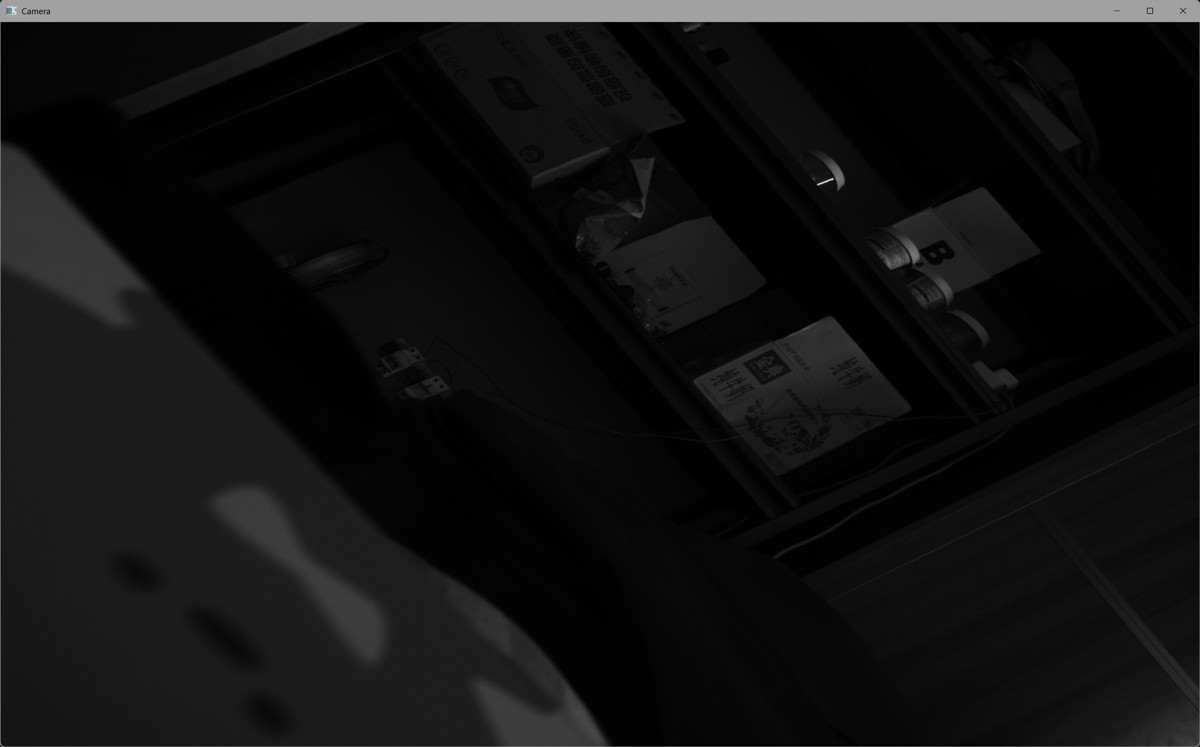
到此这篇关于python结合opencv实现打开海康机器人黑白相机的文章就介绍到这了,更多相关python opencv打开海康机器人相机内容请搜索代码网以前的文章或继续浏览下面的相关文章希望大家以后多多支持代码网!




发表评论