
 我要评论
我要评论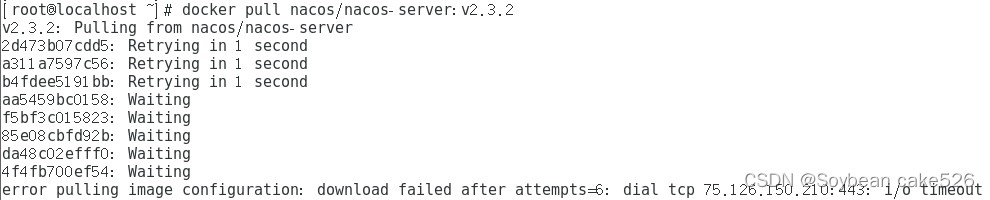
问题
error pulling image configuration: download faild after attempts=6: dial tcp 75.126.150.210:443: 1/6 timeout
原因
镜像源太差,速度太慢,所以报错超时!
解决方法
更换效果更好的镜像源
[root@localhost ~]# vi /etc/docker/daemon.json

{

  "registry-mirrors": ["https://docker.m.daocloud.io"]

}

[root@localhost ~]# systemctl daemon-reload

[root@localhost ~]# systemctl restart docker
更新
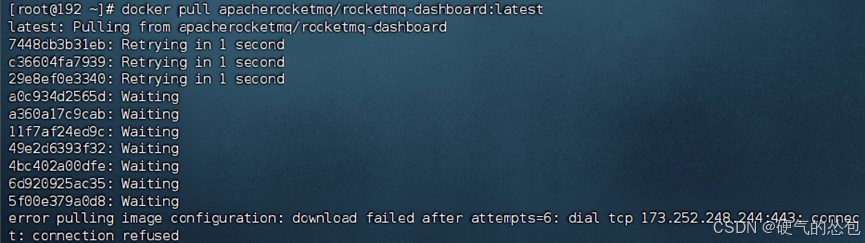
新问题
error pulling image configuration: download failed after attempts=6: dial tcp 69.171.224.40:443: connect: connection refused
原因
拉取映像配置时出错,连接被拒绝
解决方法
更换镜像源
{

  "registry-mirrors": ["https://dockerhub.icu/"]

}
总结
以上为个人经验,希望能给大家一个参考,也希望大家多多支持代码网。



发表评论