
 我要评论
我要评论1.前提说明
1.1 cmd 窗口打开方式
cmd 命令窗口请以“管理员”身份打开运行,否则可能提示权限不足。(net 命令需要管理员权限)
1.2 mysql 服务相关命令知识补充
# 安装 mysql 服务
mysqld -install

# 安装 mysql 服务并指定服务名称,格式:mysqld -install [servicename]
# 如果不指定服务名,默认的服务名称为 mysql
mysqld -install mysql80

# 移除 mysql 服务,格式:mysqld --remove [servicename]
mysqld --remove mysql80

# 启动 mysql80 服务,格式:net start [servicename]
net start mysql80

# 查看正在运行的所有服务
net start

# 查看特定服务,通过字符串过滤完成,格式:net start | findstr [servicename]
net start | findstr mysql80

# 停止 mysql80 服务,格式:net stop [servicename]
net stop mysql80
1.3 三个 mysql 版本说明
文章共给出三个 mysql 阶段版本的忘记密码解决办法,分别是:
- mysql 5.7.6 以前
- mysql 5.7.6 及以后(mysql 8.0 以前)
- mysql 8.0+
mysql 有一个 5.7.6 分界线,是由于从 mysql 5.7.6 版本开始,mysql.user 表中的 password 列已被废弃,并且从 mysql 8.0 版本中完全移除。在 mysql 5.7.6 及以后的版本中,密码存储在 authentication_string 列中,该列使用的是新的身份验证插件和密码哈希算法。
the column in the mysql.user table now stores credential information for all accounts. the password column, previously used to store password hash values for accounts authenticated with the mysql_native_password and mysql_old_password plugins, is removed.
1.4 运行时可能发生的报错问题
如果严格按照我的步骤来,应当是不会报错的,但如果漏掉了某些步骤,可能会发生命令报错。
跳过密码授权命令报错
执行 mysqld --console --skip-grant-tables --shared-memory 时窗口未卡主,且有 [error]
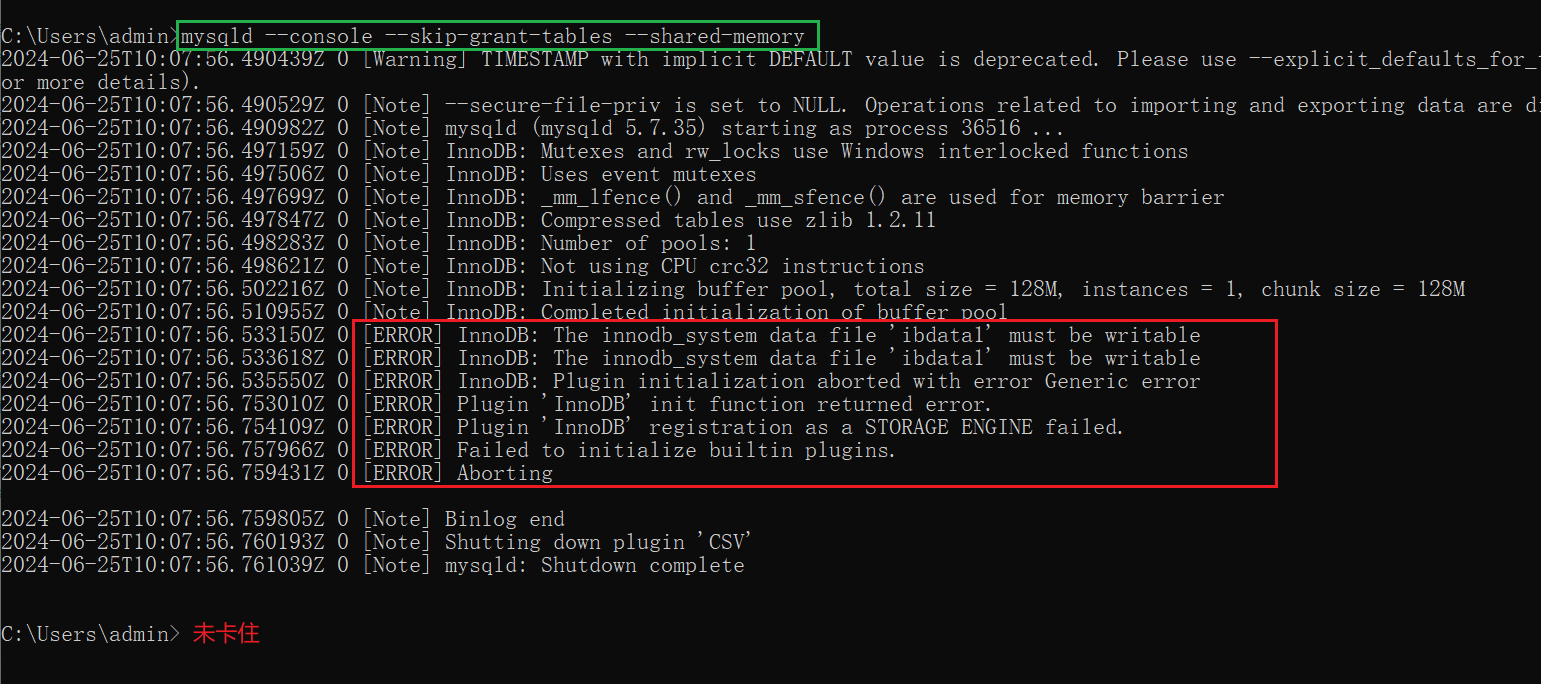
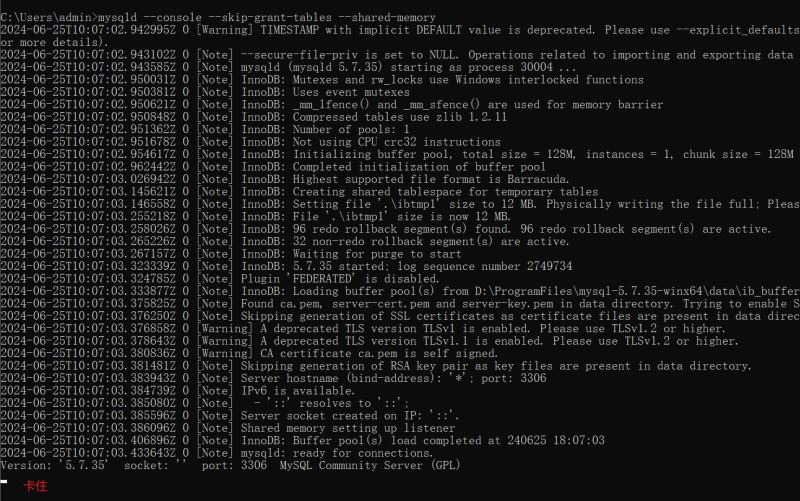
这是由于没有执行我给的步骤 1“停止 mysql 服务”,因此,在执行 net stop [mysql服务名] 后,窗口就会卡主且不会有报错了。
修改密码时报错
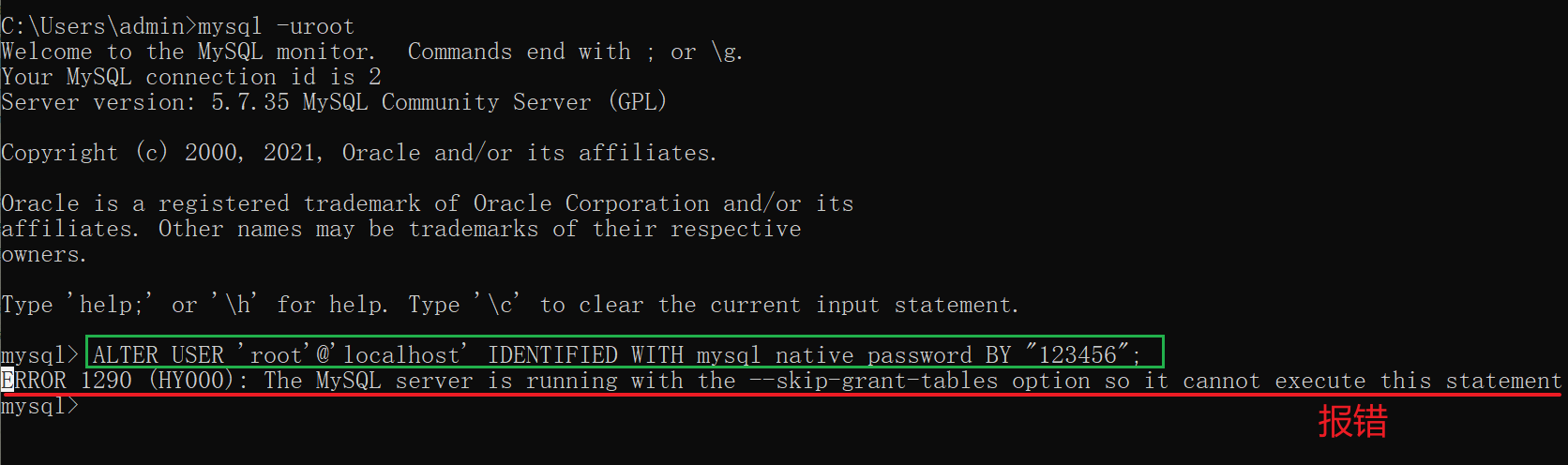
报错:error 1290 (hy000): the mysql server is running with the --skip-grant-tables option so it cannot execute this statement
这是由于没有关闭“跳过密码授权”窗口导致的,因此只需要关闭授权窗口即可。
error 2003 (hy000): can’t connect to mysql server on ‘localhost’
这是由于关闭了 mysql 服务导致的,因此只需要通过 net start [servicename] 打开 mysql 服务即可。
例如:
net start mysql57
2.mysql 5.7.6-(不包括 5.7.6)
这里以 mysql 5.7.5 作为示例。
打开 cmd,停止 mysql 服务,格式:net stop [服务名称]。我这里的服务名称是 mysql575,你的可能是 mysql,因为 mysql 是默认的服务名称。
net stop mysql575
服务名称查找方式:win + r 打开“运行”,输入 services.msc,查找你的 mysql 服务名称。
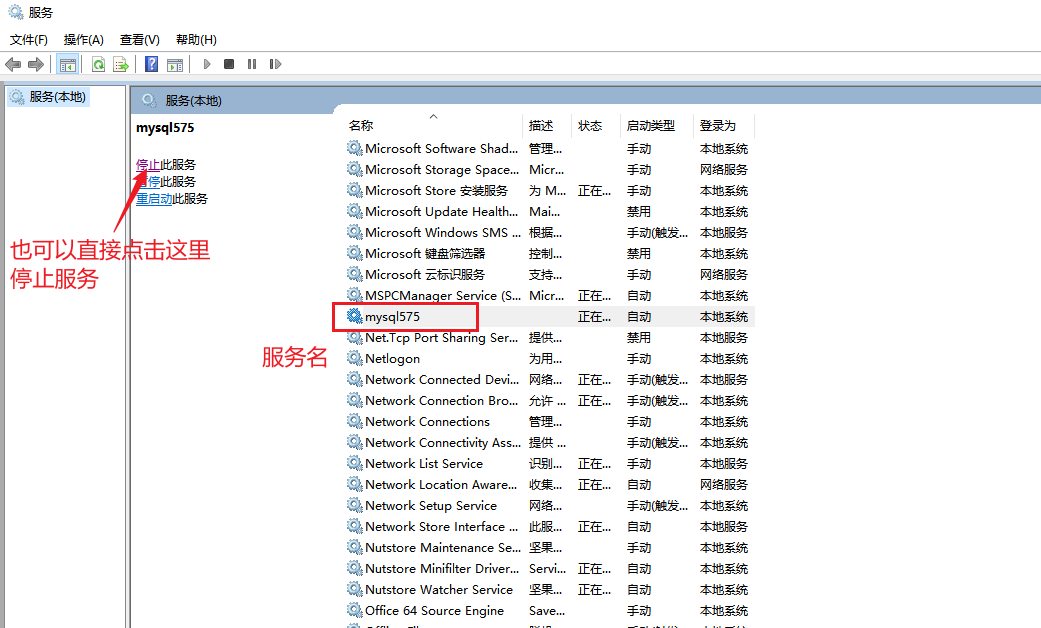
跳过密码授权。
mysqld --console --skip-grant-tables --shared-memory
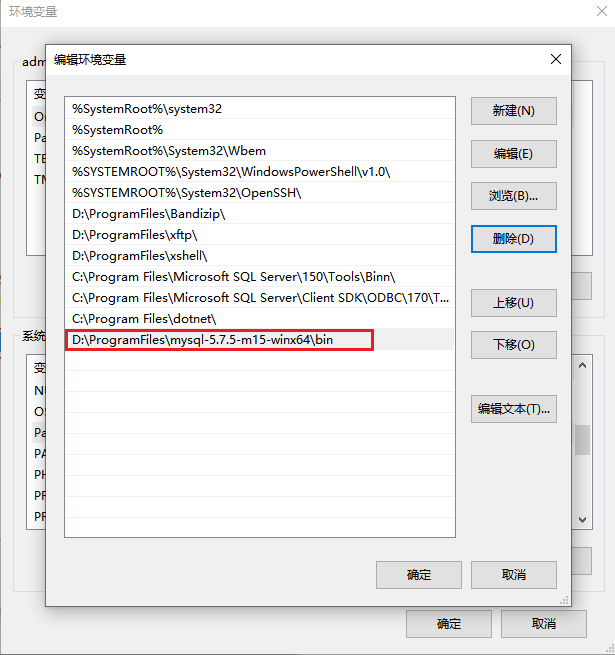
注意这个 mysqld 需要在环境变量下配置到 mysql 的 bin 目录,或者直接在 bin 目录下执行该指令。
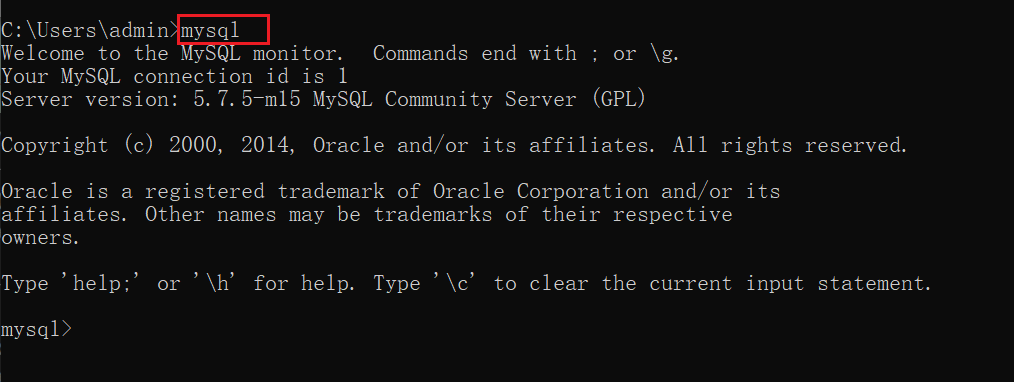
打开一个新的 cmd 窗口,输入 mysql 可直接进行 mysql 管理。注意“跳过密码授权”这个 cmd 窗口不要关闭。
清空密码
update mysql.user set password=”” where user=“root”;

exit;
接着,一定要关闭“跳出密码授权”窗口,在新窗口启动 mysql 服务并进入 mysql 管理。
# 1.启动 mysql 服务。格式:net start [服务名称]
net start mysql575

# 2.进入 mysql,无密码
mysql -uroot
修改密码并刷新权限。
-- 1.修改密码
set password for 'root'@'localhost' = password('123456');


-- 2.刷新权限
flush privileges;

-- 3.退出
exit;
再次登录。
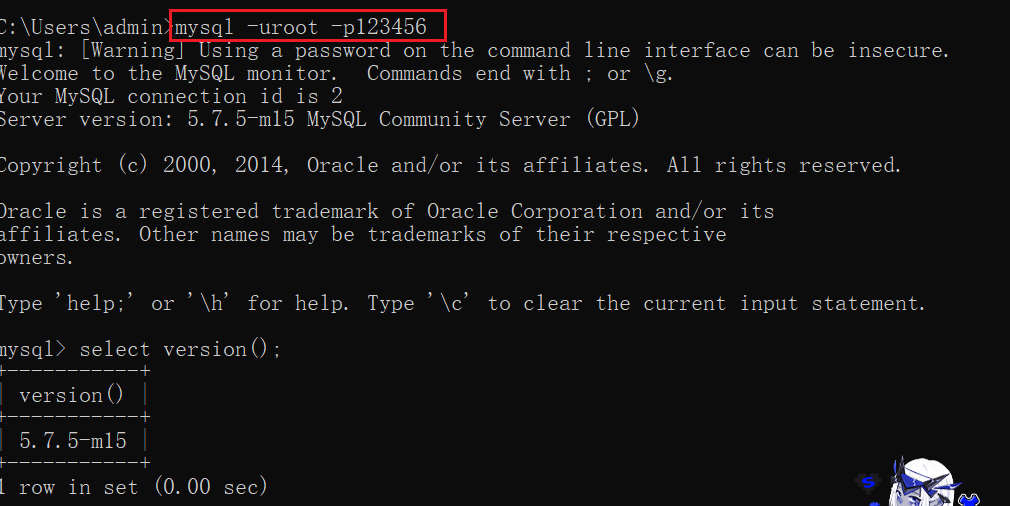
mysql -uroot -p123456
3.mysql 5.7.6+(包括 5.7.6)
这里以 mysql 5.7.35 作为示例。
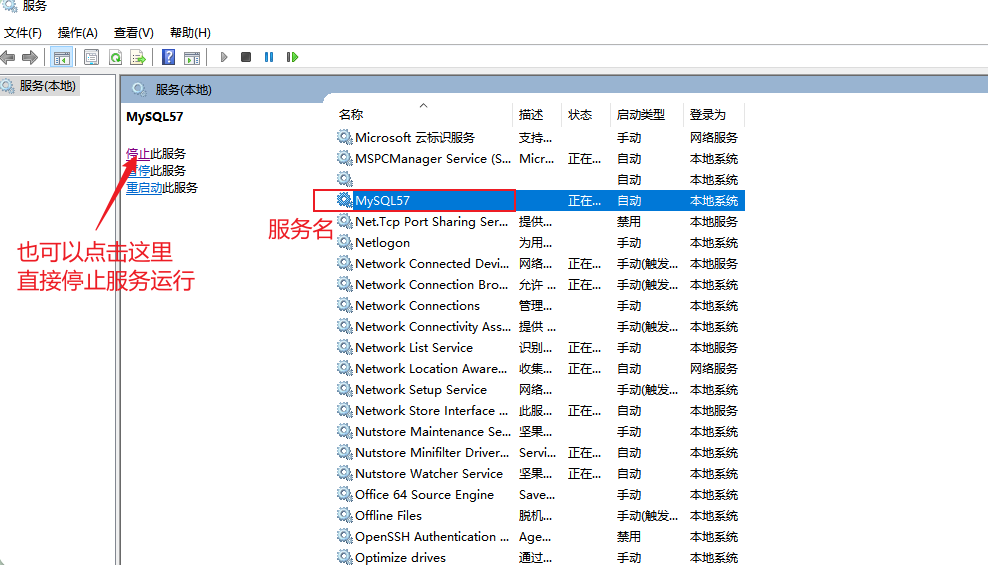
打开 cmd,停止 mysql 服务,格式:net stop [服务名称]。我这里的服务名称是 mysql57,你的可能是 mysql,因为 mysql 是默认的服务名称。
net stop mysql57
服务名称查找方式:win + r 打开“运行”,输入 services.msc,查找你的 mysql 服务名称。
跳过密码授权。
mysqld --console --skip-grant-tables --shared-memory
注意这个 mysqld 需要在环境变量下配置到 mysql 的 bin 目录,或者直接在 bin 目录下执行该指令。
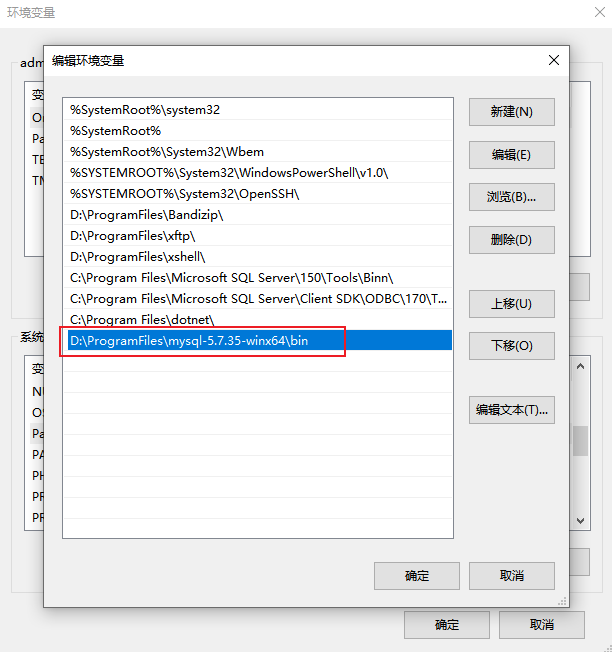
打开一个新的 cmd 窗口,输入 mysql 可直接进行 mysql 管理。注意“跳过密码授权”这个 cmd 窗口不要关闭。
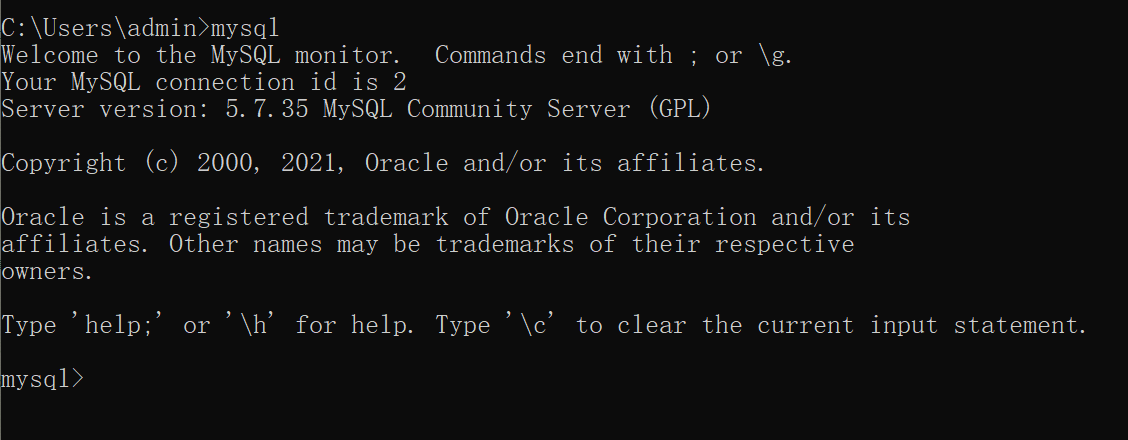
清空密码
update mysql.user set authentication_string=”” where user=“root”;

exit;
接着,一定要关闭“跳出密码授权”窗口,在新窗口启动 mysql 服务并进入 mysql 管理。
# 1.启动 mysql 服务。格式:net start [服务名称]
net start mysql57

# 2.进入 mysql,无密码
mysql -uroot
修改密码并刷新权限。
-- 1.修改密码
alter user 'root'@'localhost' identified with mysql_native_password by "123456";

-- 2.刷新权限
flush privileges;

-- 3.退出
exit;
再次登录。
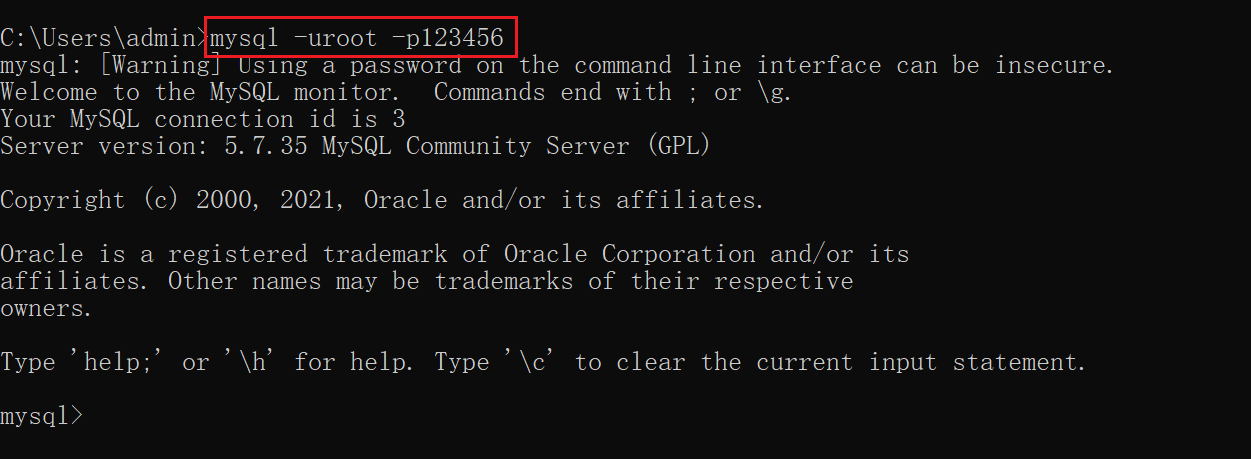
mysql -uroot -p123456
4.mysql 8.0
打开 cmd,停止 mysql 服务,格式:net stop [服务名称]。我这里的服务名称是 mysql80,你的可能是 mysql,因为 mysql 是默认的服务名称。
net stop mysql80
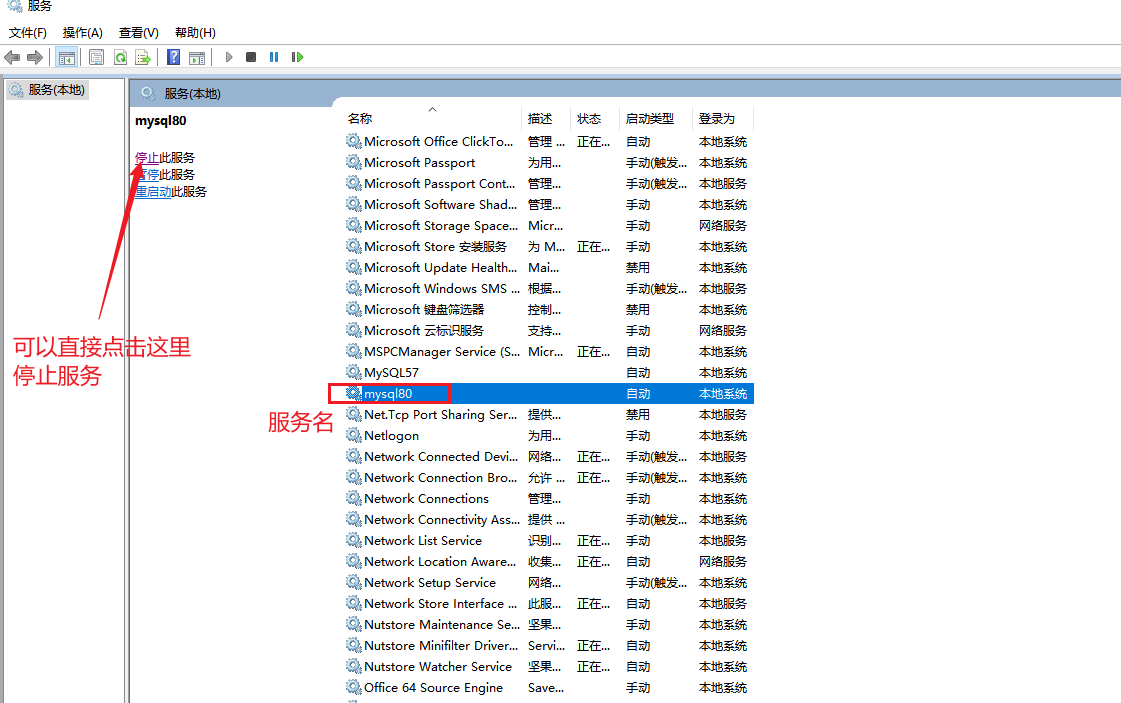
服务名称查找方式:win + r 打开“运行”,输入 services.msc,查找你的 mysql 服务名称。
跳过密码授权。
mysqld --console --skip-grant-tables --shared-memory
注意这个 mysqld 需要在环境变量下配置到 mysql 的 bin 目录,或者直接在 bin 目录下执行该指令。
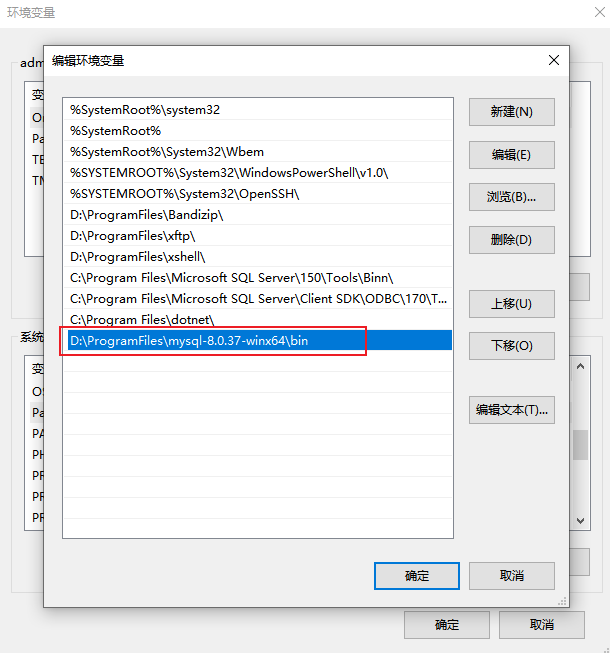
打开一个新的 cmd 窗口,输入 mysql 可直接进行 mysql 管理。注意“跳过密码授权”这个 cmd 窗口不要关闭。
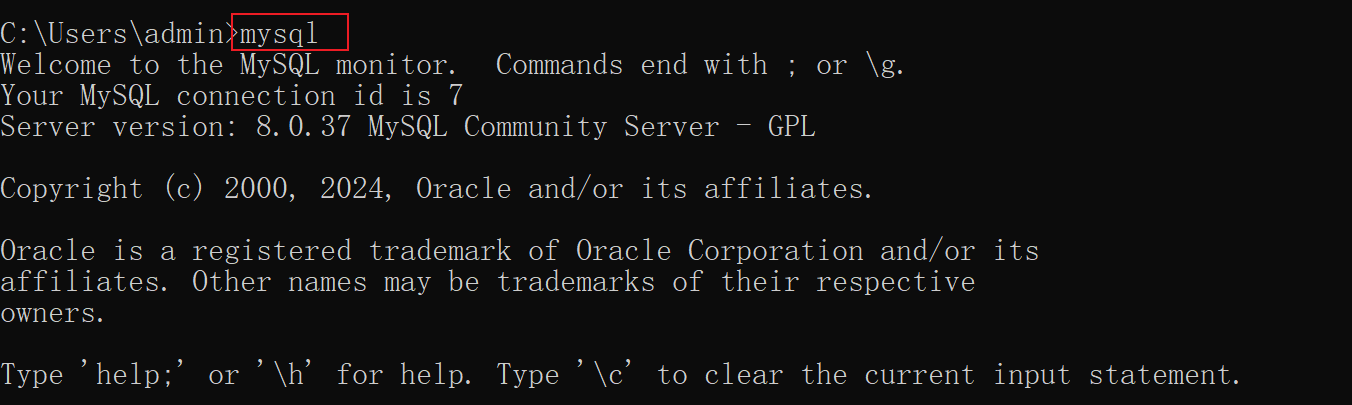
清空密码
update mysql.user set authentication_string=”” where user=“root”;

exit;
接着,一定要关闭“跳出密码授权”窗口,在新窗口启动 mysql 服务并进入 mysql 管理。
# 1.启动 mysql 服务。格式:net start [服务名称]
net start mysql80

# 2.进入 mysql,无密码
mysql -uroot
修改密码并刷新权限。
-- 1.修改密码
alter user 'root'@'localhost' identified with mysql_native_password by "123456";

-- 2.刷新权限
flush privileges;

-- 3.退出
exit;
再次登录。
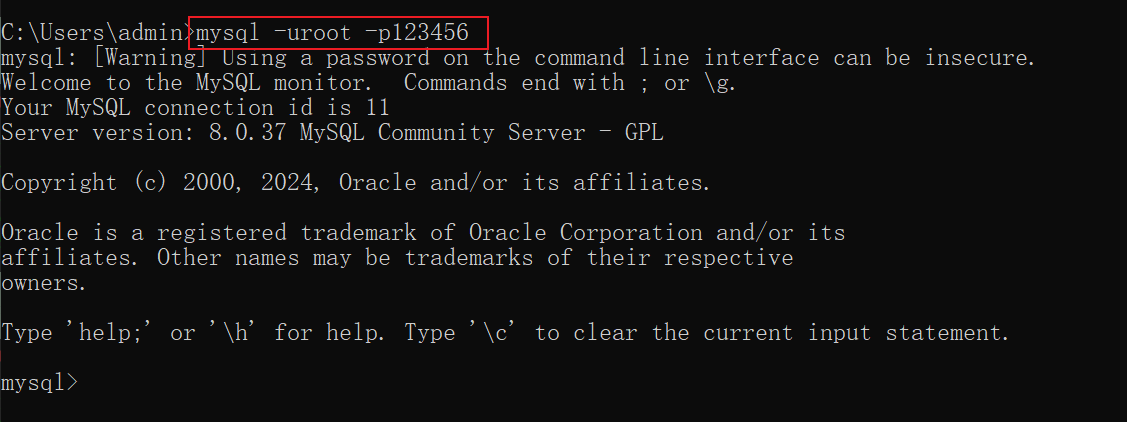
mysql -uroot -p123456
以上就是mysql忘记root密码的解决办法(针对不同mysql版本)的详细内容,更多关于mysql忘记root密码的资料请关注代码网其它相关文章!


发表评论