
 我要评论
我要评论前言
在使用nginx的时候可能会遇到判断是不是本机在做操作,这样的话web端我们是可以通过ip和端口进行远程连接的这样的话我们就需要从后端获取到真实ip来判断是不是指定的机器了,本篇文章讲解的就是怎样通过nginx转发的时候带上真实ip
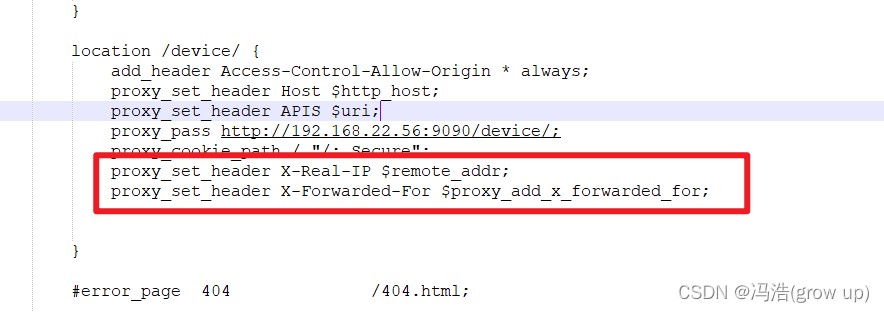
给nginx.conf 设置proxy_set_header
主要是设置x-real-ip和x-forwarded-for 需要和后台对应上
		location /device/ {
            add_header access-control-allow-origin * always;
			proxy_set_header host $http_host;
			proxy_set_header apis $uri;
			proxy_pass http://192.168.22.56:9090/device/;
			proxy_cookie_path / "/; secure";
			proxy_set_header x-real-ip $remote_addr;
			proxy_set_header x-forwarded-for $proxy_add_x_forwarded_for;
        }
java 程序里获取
 string ip = request.getheader("x-forwarded-for");
 if (ip == null || ip.length() == 0 || "unknown".equalsignorecase(ip)) {
            ip = request.getheader("x-real-ip");
   }
到此这篇关于nginx转发真实的ip的项目实践的文章就介绍到这了,更多相关nginx转发真实的ip内容请搜索代码网以前的文章或继续浏览下面的相关文章希望大家以后多多支持代码网!





发表评论